Artificial Intelligence
AI T-Shirt Design: Prompts That Work (With Examples)
The structure, three prompts to copy, and fixes for the problems that ruin a shirt design.
Updated Oct 3, 2026 · 2 min read
AI t-shirt design works when the prompt names the subject, the style, the print limits and the exact text. Anything vaguer gives you a nice picture that does not work on a shirt. Here is the structure, three prompts to copy, and fixes for the three problems that ruin most designs.
The four parts of a shirt prompt
Subject. One thing. "A fox reading a map" beats "nature and adventure."
Style. Name a look: "flat vector, three colours", "woodcut", "retro 70s sunburst."
Print limits. Say it is a graphic for a shirt, centred, with room around it.
Exact text, in quotes. If the shirt says something, write the words and say where they go.
The template: subject, style, "centred graphic for a t-shirt, plain background", then the text in quotes and its position.
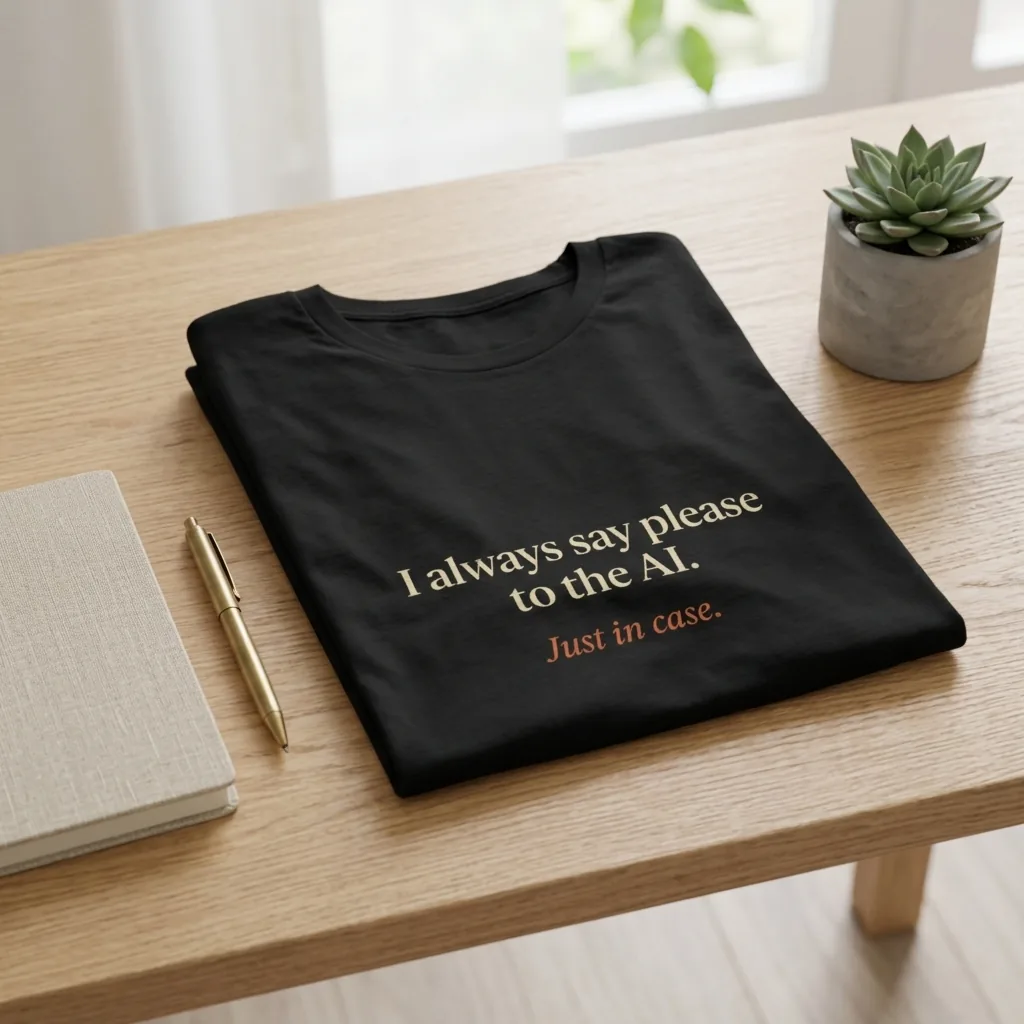
Three prompts to copy
"A fox reading a paper map, flat vector, three colours, centred graphic for a t-shirt, plain background, the text 'Lost, but on purpose' underneath."
"Retro sunburst behind a running shoe, 70s poster style, limited palette, centred, the text 'Sunday Long Run' in bold block letters above."
"Minimal line drawing of a cat asleep on a stack of books, one colour, centred graphic for a t-shirt, no text."
Fix the three usual problems
The background is not clear. Many models paint a fake checkerboard when you write "transparent background" in the prompt. Use a transparent-background setting where the tool has one, or remove the background afterwards.
The text is wrong. Keep it short, put it in quotes and spell it out. Three words survive better than a sentence. If one letter is off, regenerate or fix the text as its own layer instead of rewording the whole prompt.
It looks soft on the shirt. Quality depends on pixels at the finished size: inches times 300 is the target, and about 150 is the floor for a garment. Ask for the design big and in the shape it will be made, rather than enlarging a small one later.
What it costs to try
New Pablit accounts start with 60 credits. A quick draft costs 3 credits and a standard one 5, so you can try a dozen ideas before you pay for a final version at 20.
Let the assistant write the prompt
You do not have to write any of this yourself. Tell Pablit's design assistant what the shirt is for, and it builds the prompt, makes the design and shows it on a shirt. Then you change it in plain words.